HotDoc CRM Configuration
The HotDoc CRM option allows you to integrate myCloudPBX with HotDoc.
Configuration
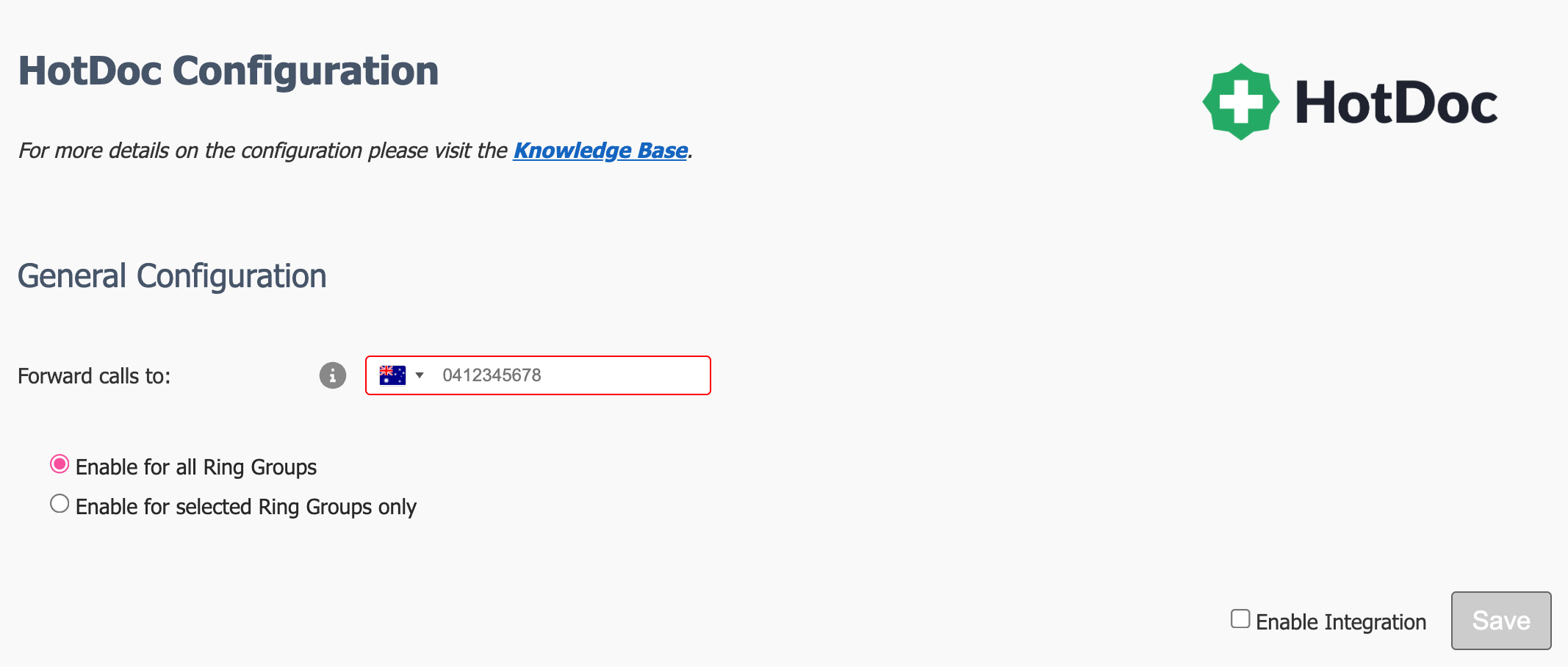
The configuration for HotDoc is very basic as there are no API functions required.
HotDoc will have provided you with a phone number to forward calls to. These calls are never answered and are used to provide the Caller ID functionality.
-
Enter the forwarding number.
-
Specify if you want to enable the HotDoc functionality on all Ring Groups, or a subset.
-
If you select to "Enable for selected Ring Groups only", then you will need to enable on each Ring Group seperately.
Once you are happy with your configuration, make sure that 'Enable Integration' is ticked, then click 'Save'.
Tip
Don't forget to click Apply PBX Changes if prompted.
Enabling on individual Ring Groups
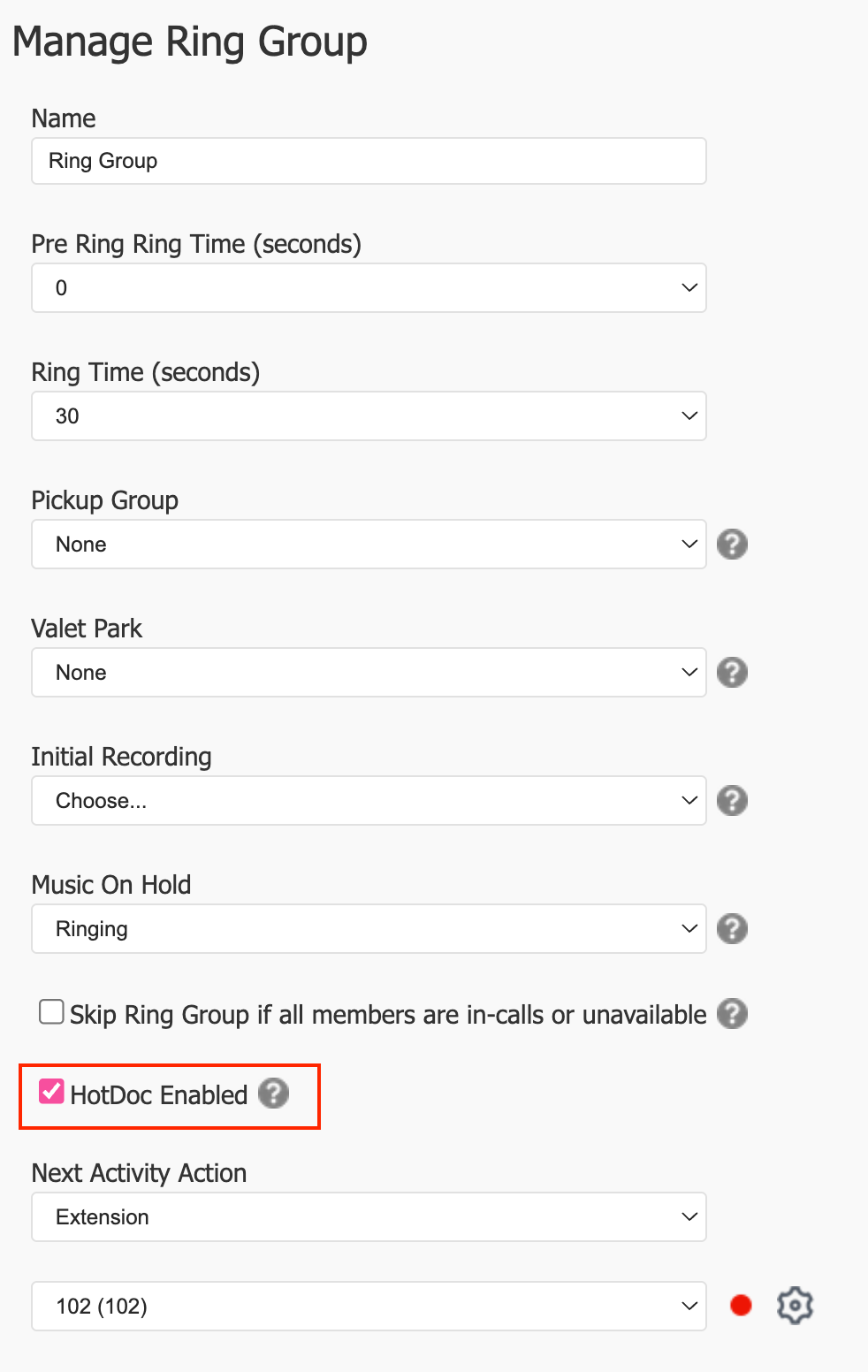
If you selected to enable HotDoc on only some of your Ring Groups, then you'll see a new option available on the Ring Group configuration pages.
Disable/Enable CRM integration
Disabling the CRM temporarily is done by un-ticking the 'Enable Integration' checkbox.
This will disable the CRM for all users on the PBX.
Tip
Don't forget to click Apply PBX Changes if prompted.